Anycubic
Anycubic SP Kobra 3 max/combo Print Head Assembly
Order code: 30777
- Compatible printers:Anycubic Kobra 3 / Kobra 3 Combo / Kobra 3 Max / Kobra 3 V2
- Mounting Interface:4xM2.5/M3 carriage bolts + plug-in umbilical bus.
- Power Down & Cool Off:Always unplug the printer and ensure the hotend temperature drops below 50°C, before starting any disassembly to prevent electrical shorts or burns.
- Disconnect the Umbilical Cable Carefully:Unplug the main Type-C/multi-pin ribbon cable from the top groove of the toolhead by releasing its locking latch before unbolting the four mounting screws.
€130.99incl. VAT
Ships in 2-4 working days
Free pickup from our shop
Description
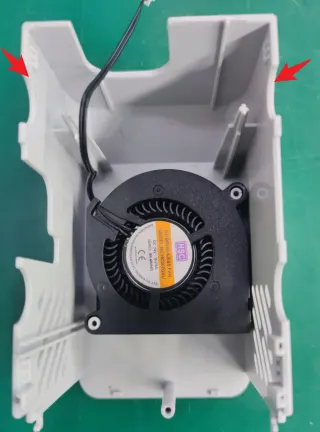
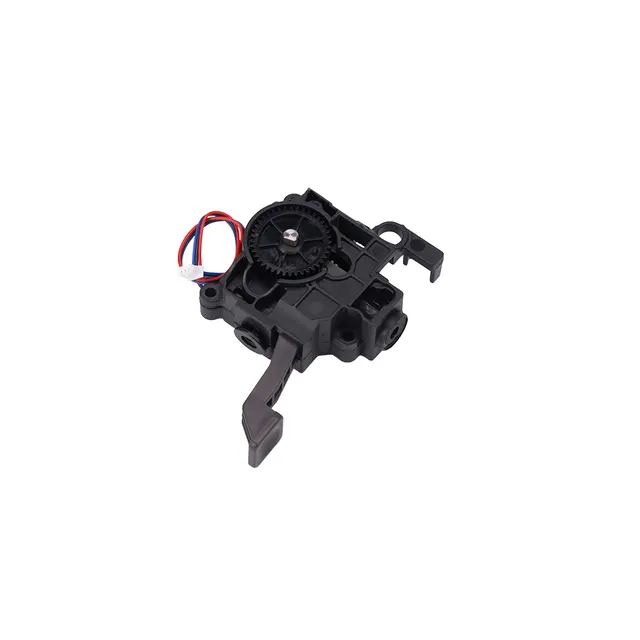
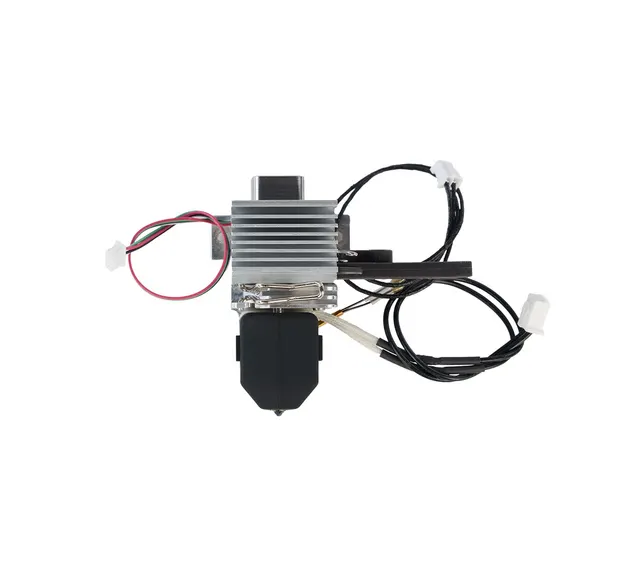
- The Anycubic Kobra 3 / Kobra 3 Max Print Head Assembly: is the complete factory-sealed toolhead module engineered specifically for the Kobra 3 series and Kobra 3 Max 3D printers. It consolidates the extrusion drive gears, integrated hotend, cooling fans, filament cutter mechanism, and local daughterboard into a single modular unit designed for swift drop-in replacement.
- Complete All-in-One Toolhead Solution: Arrives fully pre-assembled with the internal dual-gear shift extruder, ceramic hotend, cooling fans, and wiring harness, eliminating the need to piece together individual internal components during major repairs.
- Seamless Multi-Color & Multi-Material Support: Fully compatible with the Anycubic ACE Pro color engine system, featuring built-in routing channels and an automated filament cutter linkage for reliable high-speed multi-color tool changes.
- High-Speed Thermal Performance: Built to support fast volumetric extrusion rates required for print speeds up to 600 mm without sacrificing layer consistency.
- Quick-Disconnect Interface: Utilizes a secure multi-pin cable connector bus and mounting screw layout that attaches directly to the X-axis carriage.
Specifications
- Compatible printers
- Anycubic Kobra 3 / Kobra 3 Combo / Kobra 3 Max / Kobra 3 V2
- Mounting Interface
- 4xM2.5/M3 carriage bolts + plug-in umbilical bus.
- Power Down & Cool Off
- Always unplug the printer and ensure the hotend temperature drops below 50°C, before starting any disassembly to prevent electrical shorts or burns.
- Disconnect the Umbilical Cable Carefully
- Unplug the main Type-C/multi-pin ribbon cable from the top groove of the toolhead by releasing its locking latch before unbolting the four mounting screws.